
What changes at 20KB, 50KB, 100KB and 500KB?
These are actual downloads produced by this compressor from one AI-generated florist scene. Smaller limits can reduce both encoding quality and pixel dimensions. Open the files to compare hair, petals and woven textures at full size.
The source is an AI-generated fictional scene, not a camera photograph or a real person. Hair, fabric, flowers and wicker provide detailed textures for comparison. These measurements demonstrate how the tool handles this example; they do not predict the quality or dimensions of your own pictures.
The original
PNG · 3.20 MB · 1536 × 1024 pixels.
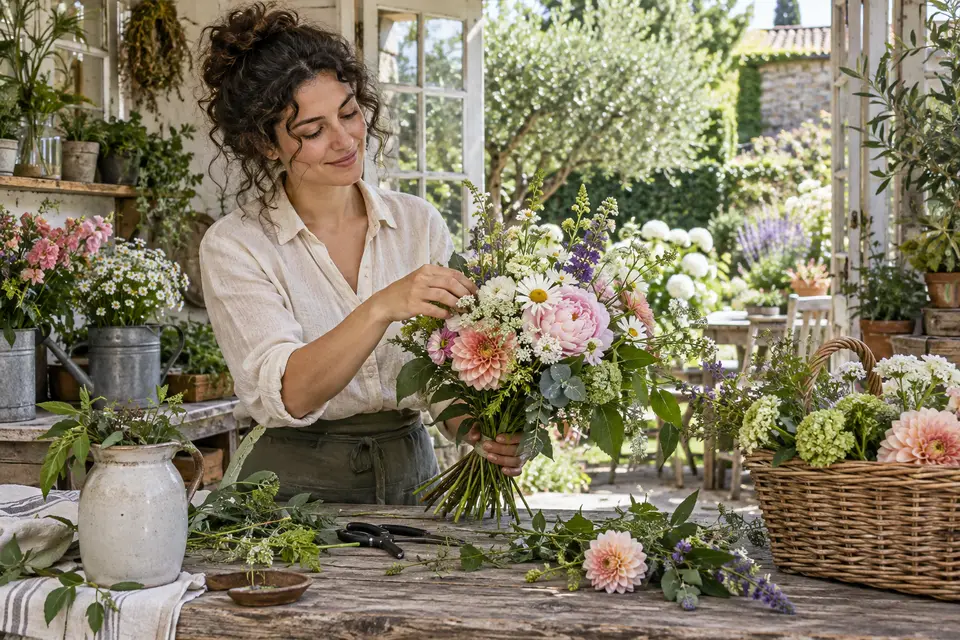
This is a reduced-size preview for faster loading, not the original quality reference. The full PNG loads only when you open or download it.
Download the original PNG (3.20 MB)

Measured output sizes
Sizes in KB are rounded to one decimal place for readability. Exact bytes appear below each value; 1 KB = 1,000 bytes.
| Limit | Actual size | Pixels | File |
|---|---|---|---|
| 20 KB | 19.9 KB19,865 bytes | 414 × 276 | JPEG |
| 50 KB | 49.5 KB49,451 bytes | 683 × 456 | JPEG |
| 100 KB | 99.8 KB99,795 bytes | 966 × 644 | JPEG |
| 500 KB | 485.7 KB485,687 bytes | 1536 × 1024 | JPEG |
20 KB limit
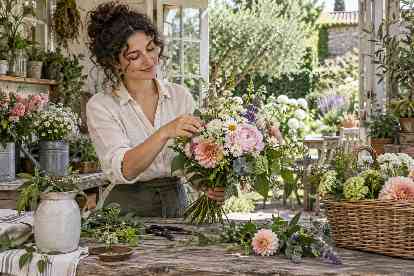
19.9 KB · 414 × 276 px
Download this result
50 KB limit
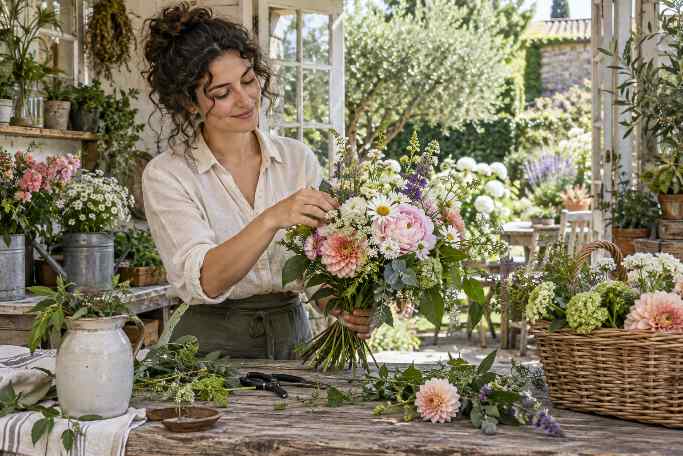
49.5 KB · 683 × 456 px
Download this result
100 KB limit
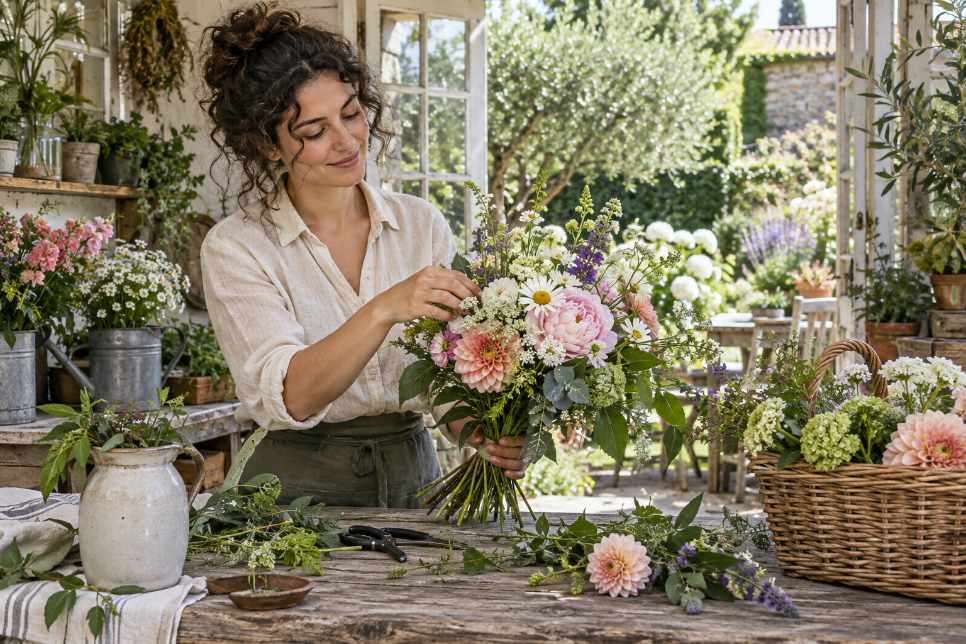
99.8 KB · 966 × 644 px
Download this result
500 KB limit
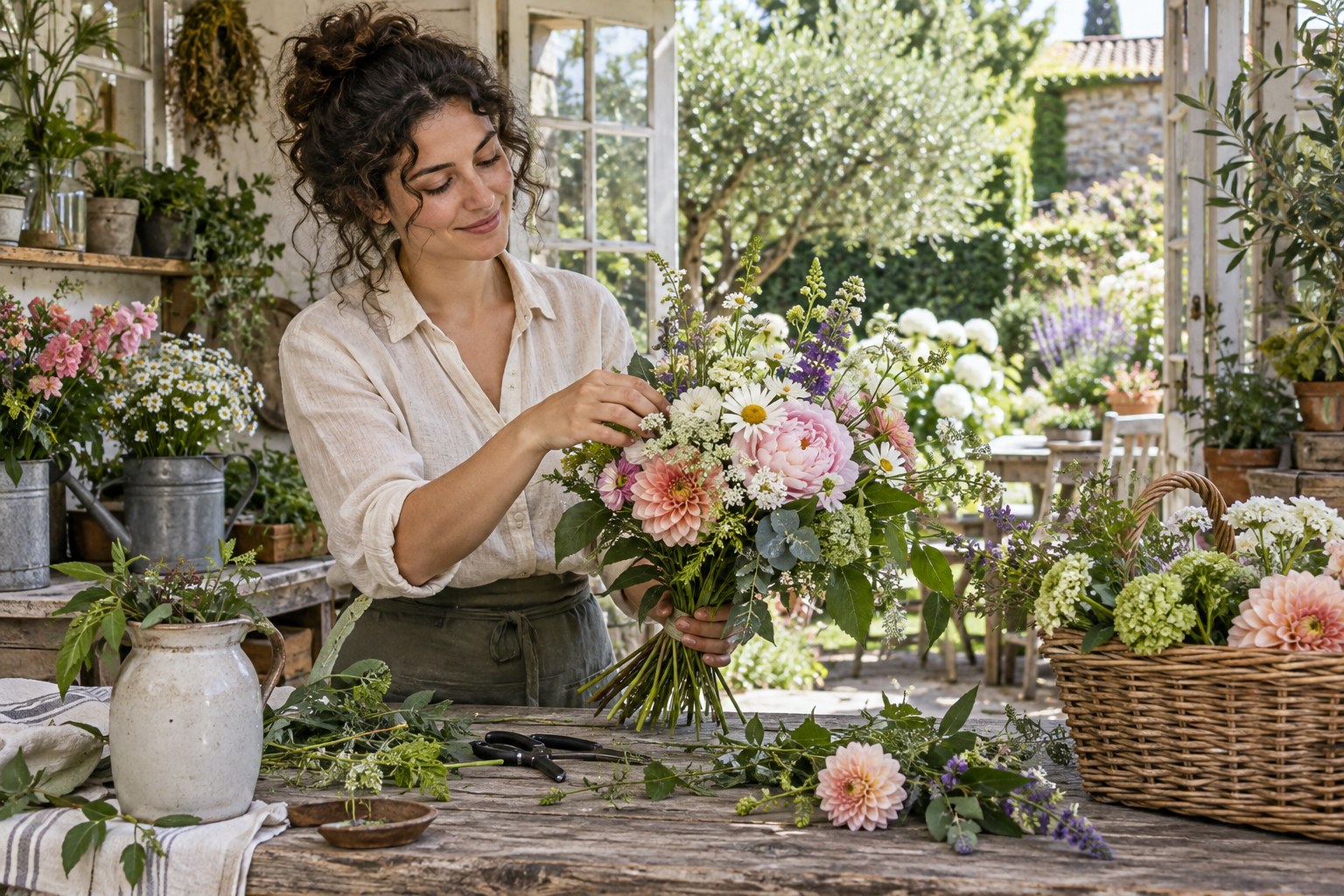
485.7 KB · 1536 × 1024 px
Download this result
How to read the comparison
Every result fits its selected limit using 1 KB = 1,000 bytes. None uses extra padding to reach an exact byte count. In this example, the 500 KB result retains the original dimensions; the smaller budgets require fewer pixels. Keeping dimensions does not mean the JPEG is lossless.
The previews above are scaled to fit your screen. That can hide differences in resolution. Download the originals and view them at 100% zoom to judge hair strands, petals and fabric texture. A higher byte allowance may be useful when the receiving website permits it, but the correct setting is the one that meets its rules and leaves the important details readable.
What if my image is portrait or square?
This sample is landscape, but your upload does not need to be. Default compression keeps your own aspect ratio, apart from whole-pixel rounding when resized. Portrait images stay portrait and square images stay square. Only selecting exact crop dimensions changes the framing. Preview thumbnails fit inside their container without stretching the image.
Method and reproducibility
Measured on 2026-09-08 (UTC) using Chrome 152.0.7977.76 on Windows. Each file started from the same 1536 × 1024 PNG, with the target-size mode, Auto output and no custom pixel constraints. The downloads were opened to verify their format and dimensions and checked against their byte limits. This is a single-browser example, not a cross-device performance benchmark.
The sample was AI-generated for this project and contains no personal photographs. The PNG source is converted to JPEG by Auto output, so the size reduction reflects both format conversion and compression. You can download the measurements and file checksums, then rerun the same original in the tools below. Different browser encoders or later tool versions may produce different bytes.
Try the limit your form requires
20 KB compressor · 50 KB compressor · 100 KB compressor · 500 KB compressor
If the file fits but is still refused, use the upload troubleshooting checklist to check format, dimensions and minimum sizes.